Case Study · Augmented Reality · UX Design
HistARic
Bringing Historical Ruins Back to Life Through
Augmented Reality
Case Study · Augmented Reality · UX Design
Bringing Historical Ruins Back to Life Through
Augmented Reality
"What if you could point your phone at a crumbled ruin and watch it rise back to its former glory with stories, voices, and history layered in?"
02 · The Problem
Historical sites carry centuries of stories, yet visitors often leave with little more than a blurry photo. Outdated plaques and dense textbooks fail to bridge the enormous gap between present ruins and their vibrant past.
01 · Static Info
Traditional tools present information as static text, demanding reading effort in an already stimulating environment. Visitors zone out.
02 · Lack of Visuals
There is little to no visual reconstruction of what a site originally looked like. Visitors stare at rubble with no frame of reference.
03 · Accessibility
Largely inaccessible to people with hearing, vision, or cognitive impairments. The tools that exist weren't designed with them in mind.
Strategic Decision
03 · Research & Discovery
Owned a smartphone, confirming mobile as the right platform.
Rated current methods of learning history as ineffective or very ineffective.
Found existing AR and heritage apps difficult to navigate.
Preferred video and audio content over reading when learning about history.
Competitive Analysis
We examined five existing AR and heritage apps to map where the market falls short.
| App | Key Limitations |
|---|---|
| ReLive History | Limited site coverage; requires high-end hardware for best performance. |
| Timelooper | Few available locations; underdeveloped content library; no meaningful user interaction. |
| Google Lens | Text and image lookup only, with no 3D reconstruction or storytelling capabilities. |
| Streetmuseum | London-only; image-based overlays rather than fully immersive 3D AR. |
| ARLOOPA | Paid feature gates; complex UI; limited real-time historical site integration. |
04 · User Personas

25 · UX Designer · Berlin
High tech literacy
I want to use AR to visualize historical maps and their changes over time, so that I can understand geopolitical shifts and their impacts.

35 · Software Engineer · Essen
High tech literacy
I want history to feel like an adventure, not a lecture. Show me something cool, and I'll remember it.
05 · User Flow
The core flow was designed around one insight: users must reach the AR experience in as few steps as possible.
06 · Iteration
Two full rounds of usability testing, each with a responsive prototype.
The goal was to break it, learn from it, and fix it before it mattered.
07 · Final Design
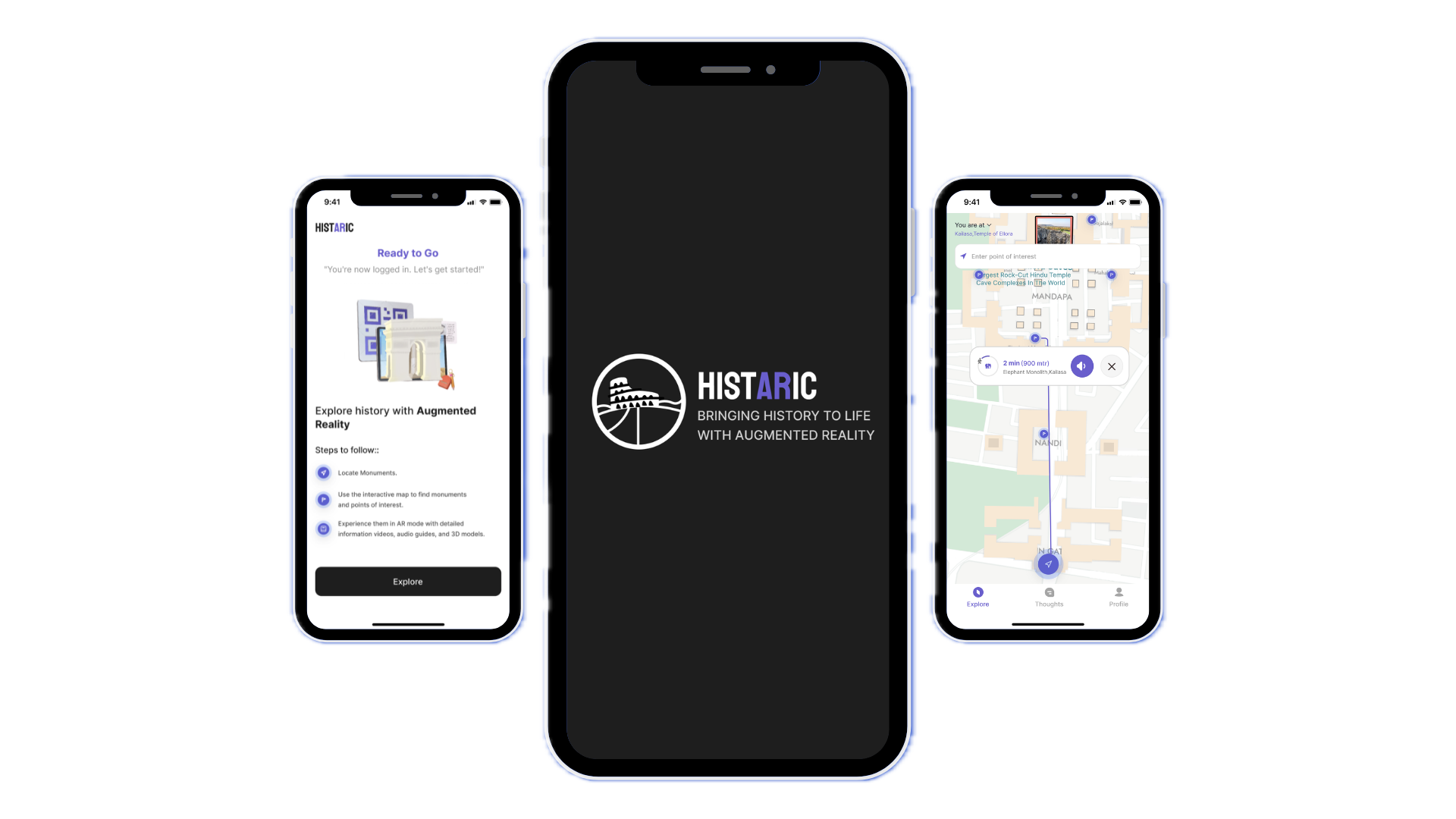
Scan a QR code at the site to get started. Step-by-step tooltips walk you through the core gestures before your first scan.
Location-aware map with monument markers and distance labels. A bottom sheet lets you preview a site without leaving the map.
Camera view with a 3D model overlay. The Before/After slider lets users drag through centuries of time in one swipe.
Three content tabs (Video, Audio, and 3D View) so it's always clear how to engage with a site.
Per-monument comment threads with keyword search. Post photos and turn a solo visit into a shared moment.
Visit history, saved monuments, and site recommendations built around where you've already been.
08 · Reflection
Testing twice was the right call. Round 1 caught structural problems; Round 2 validated direction. The Before/After slider came from watching users hit a wall, not from a brainstorm.
Involve users with disabilities much earlier, not as a late-stage audit. Offline accessibility for remote sites deserved real design attention from day one.
An AI-powered guide persona inside the app. A 360° immersive view of historical periods. Gamified exploration with achievement badges for the curious ones.